COMPARE · 3 NOVEMBER 2026
Vaultage vs locked notes
How locked notes work
In Notes, open a note, tap the More button (•••), and choose Lock. You can use your device passcode, or set a separate password just for Notes. Locked notes are encrypted, and you can add photos, scans, and file attachments to them.
Side by side
| Locked notes | Vaultage | |
|---|---|---|
| Opens with | Device passcode or a separate notes password, plus Face ID | Its own password, PIN, or pattern |
| Sync | iCloud, across your Apple devices | Never synced; stays on one device |
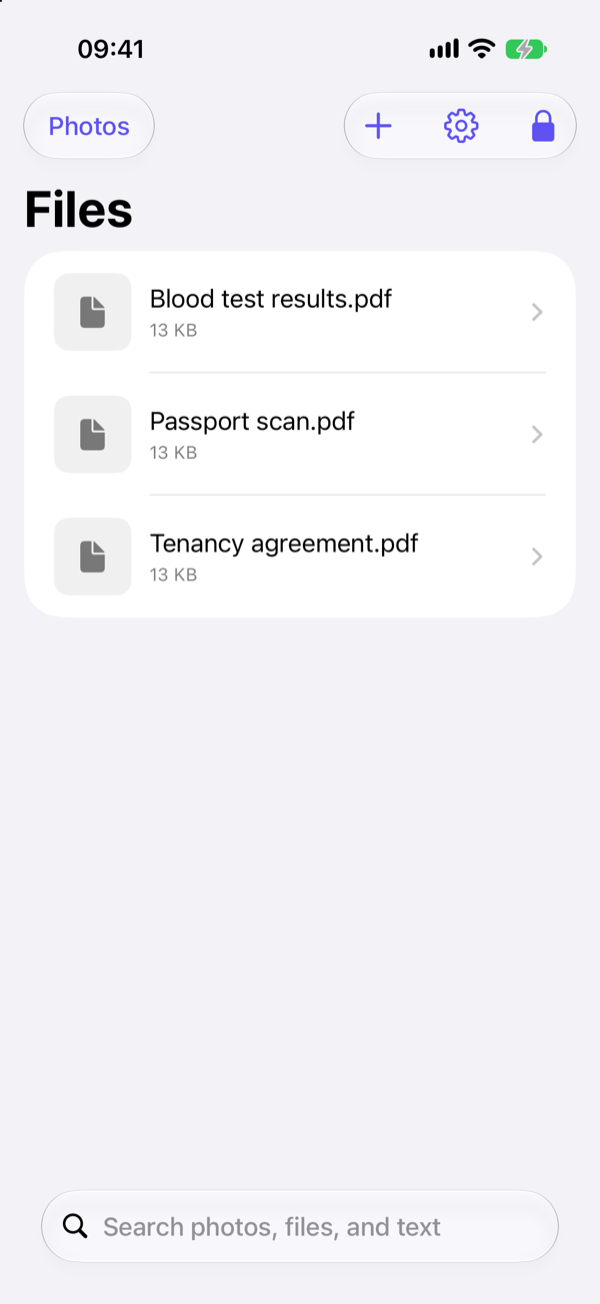
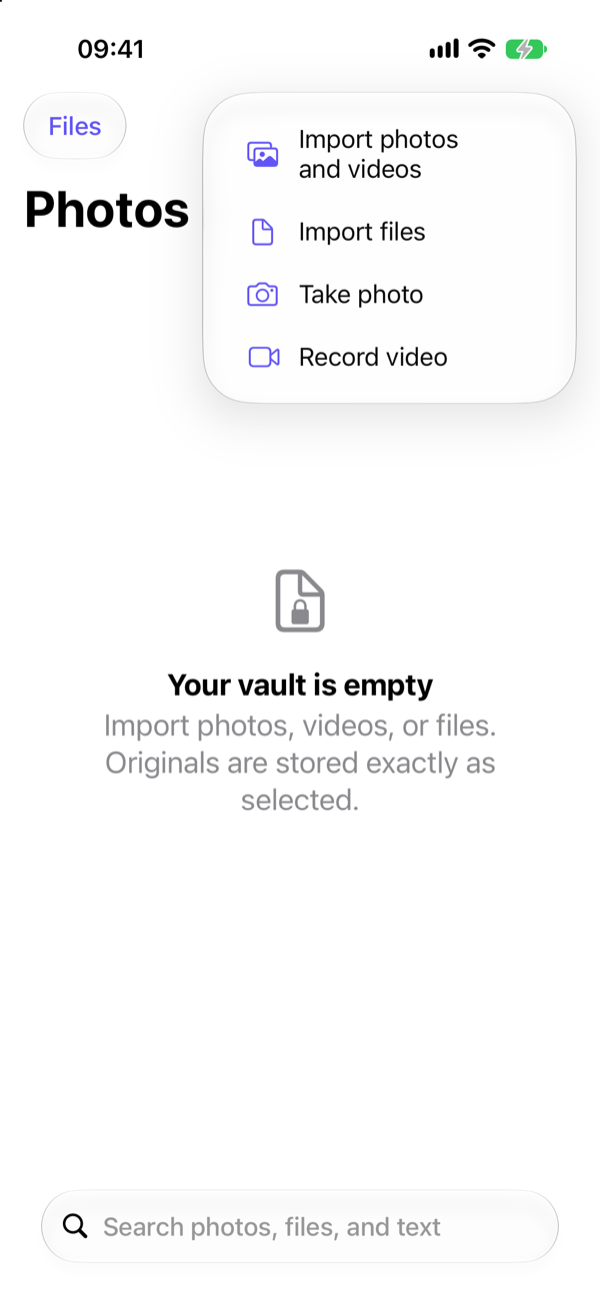
| Photos and videos | Attachments inside notes | A gallery built for photos and video |
| Large files | Workable for a few | Built for many, stored byte-for-byte |
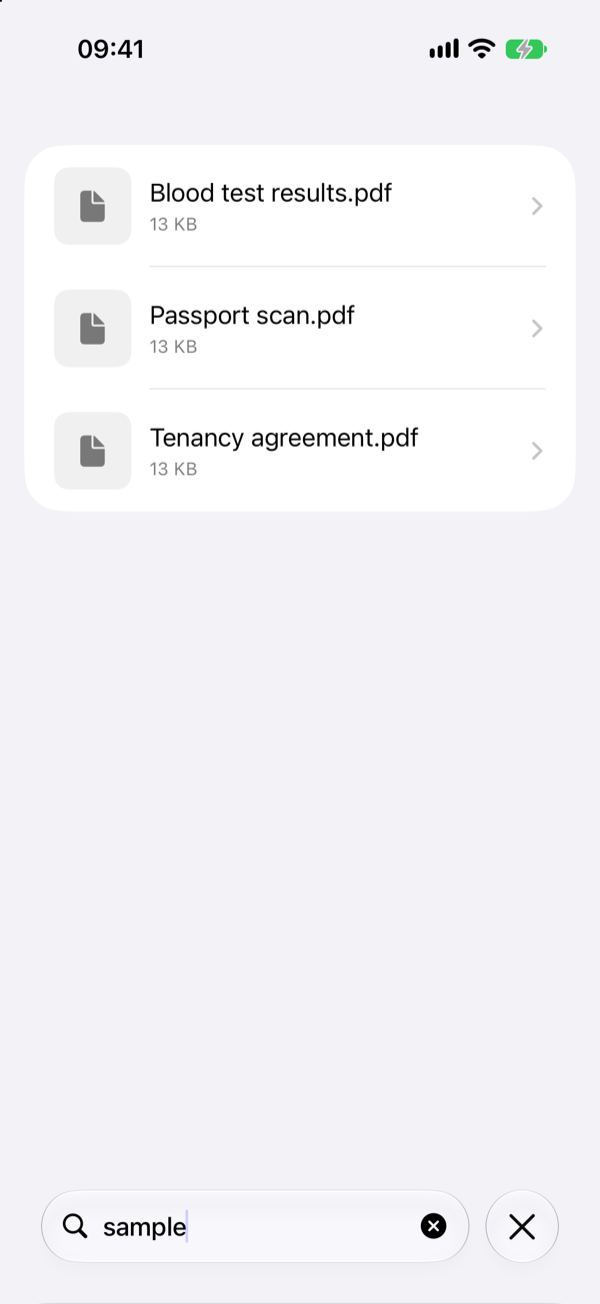
| Search | Titles of locked notes are visible | Encrypted search, available only after unlock |
| Looks like | Notes | Optionally a Calculator or Clock |
| Forgotten password | Can be reset for new notes; old notes stay locked | Cannot be reset |
Where locked notes work well
- A few scanned documents you also want on your Mac and iPad.
- You are comfortable with iCloud holding an encrypted copy.
- You use the separate notes password, not your device passcode.
If you lock notes with your device passcode, anyone who knows it can open them, just like the Hidden album.
Where a vault works better
- Many photos and videos, which are awkward to manage as note attachments.
- Material you want to keep out of iCloud entirely.
- A note title that would itself give something away. Locked note titles show in the list.
- A mix of photos and documents in one place, with search across the text in them.
The trade-off
Notes syncs, so losing your phone does not lose your notes. Vaultage stays on one device and has no password reset, so you need to make an encrypted backup yourself.
FAQ
Can I lock a photo in Notes?
Yes. Add the photo to a note, then lock the note. Remember to delete the original from Photos and Recently Deleted.
Are locked notes end-to-end encrypted?
Apple encrypts locked notes with a key derived from your passcode or notes password. Apple's support documentation describes the details for your iOS version.